




A crew per project
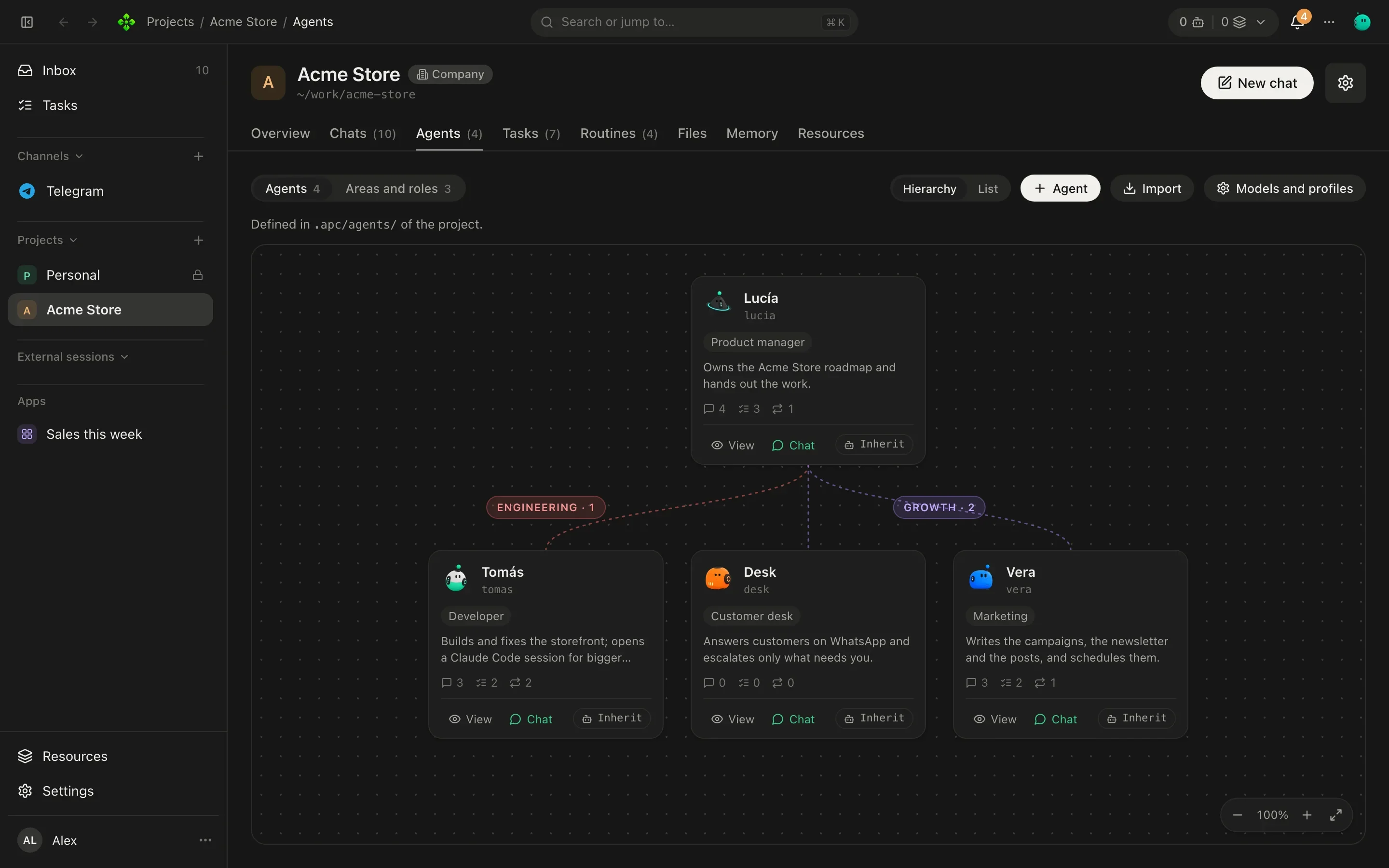
Agents with a role, an area and their own notes. They hand work to each other and you follow every step.
Your own team of AI agents, on your machine. A super-agent that answers you anywhere, and a crew per project that works with your tools.
On this computer, macOS or Linux.
On Windows, in PowerShell.
On a server or a VPS (keeps running as a service).
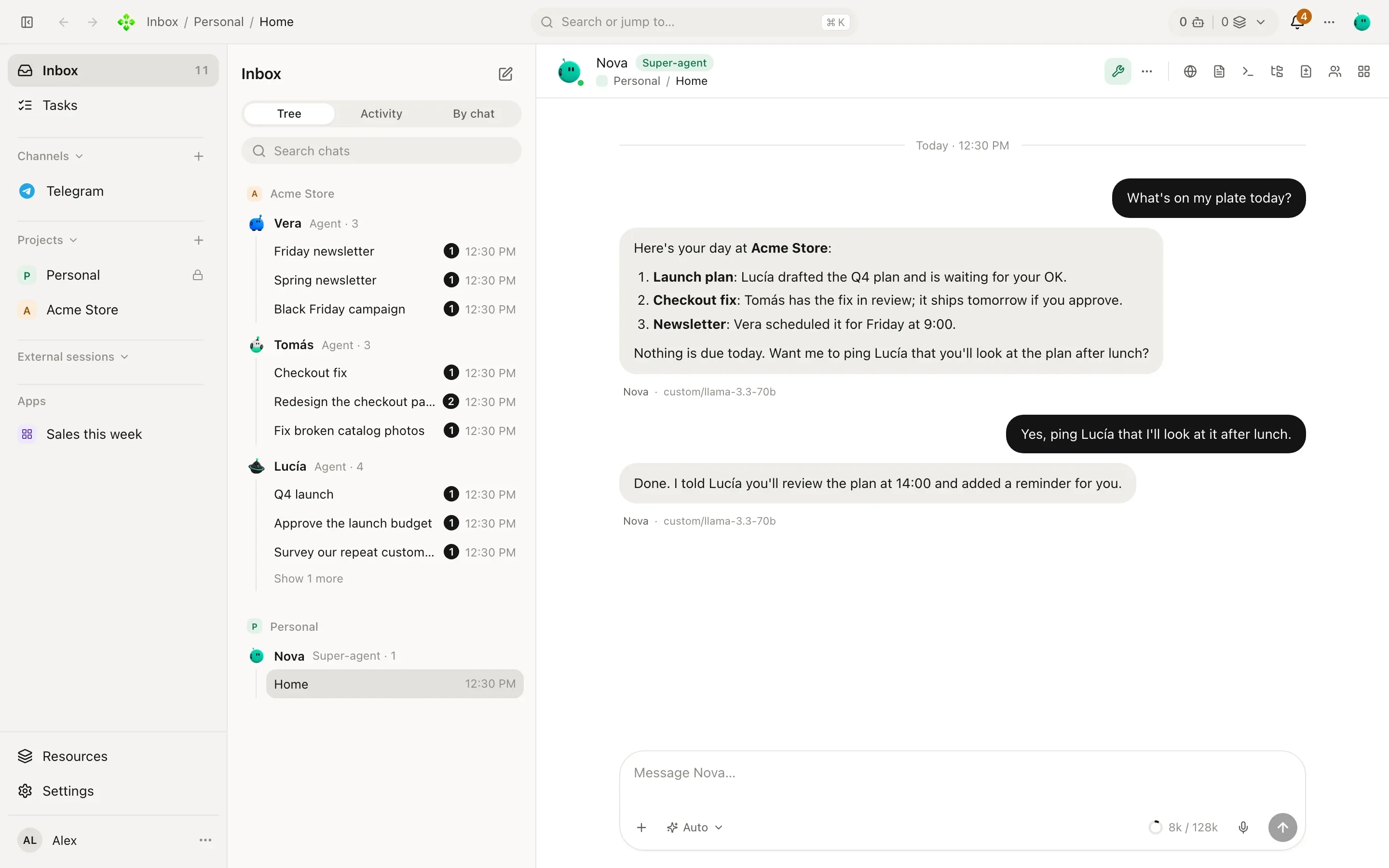
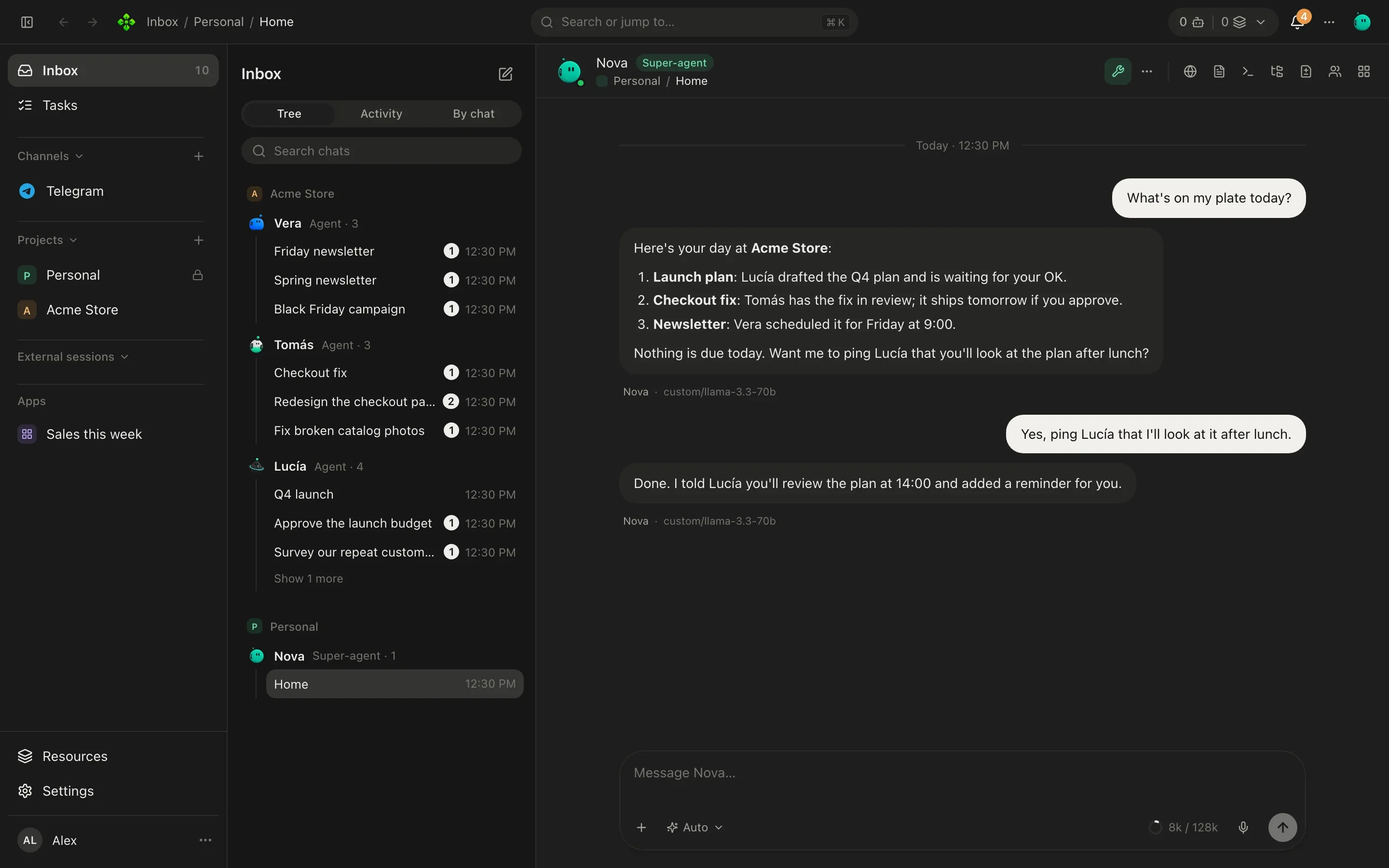
The real app, with a demo office. Every screenshot is in the theme you are reading in.
01What you can do
Agents with a role, an area and their own notes. They hand work to each other and you follow every step.
Your ChatGPT plan, Claude, Gemini, OpenAI-compatible APIs or local models.
Routines run on their own and only speak up when there is something to say.
A board with who does what and by when. You approve what matters.
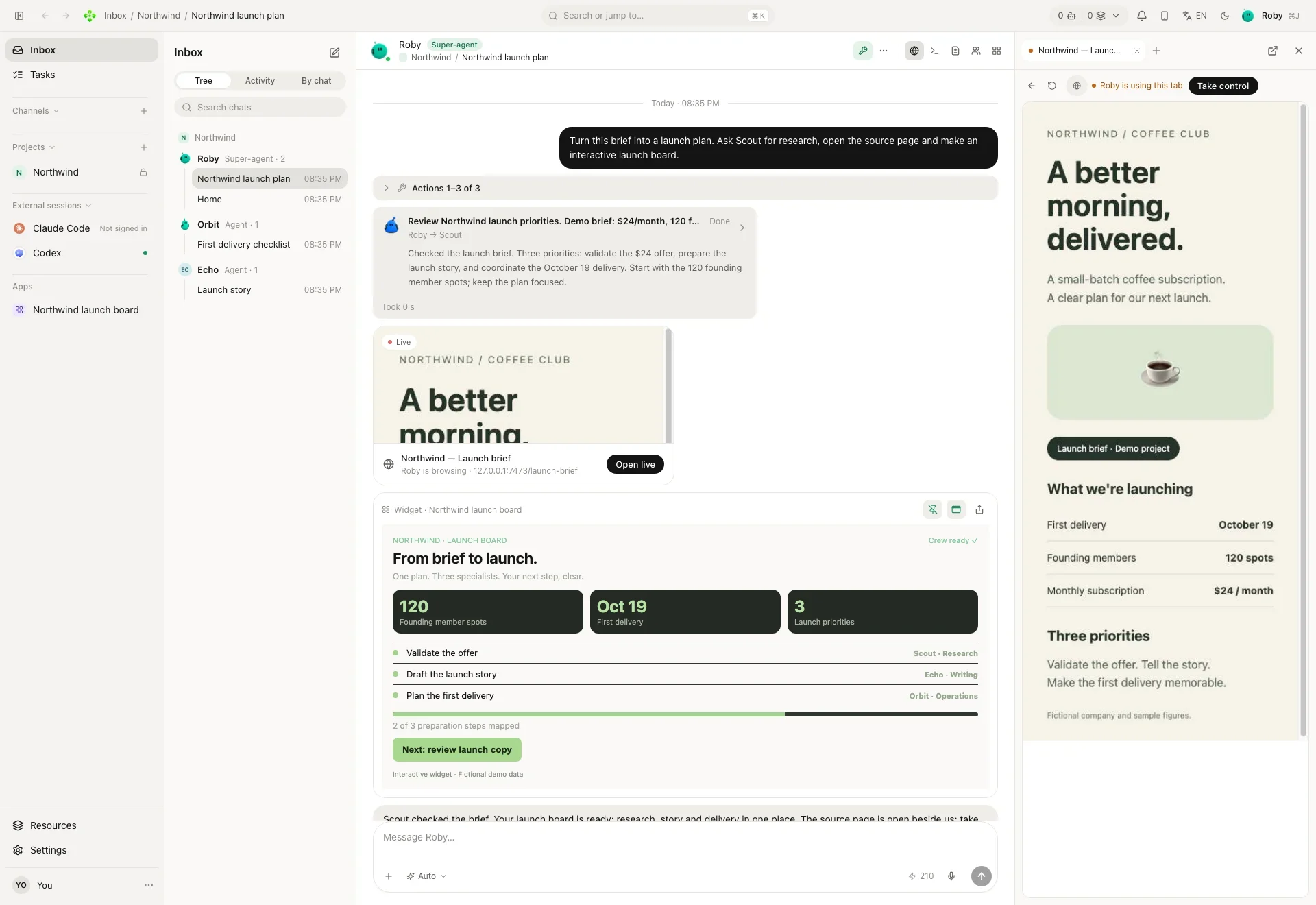
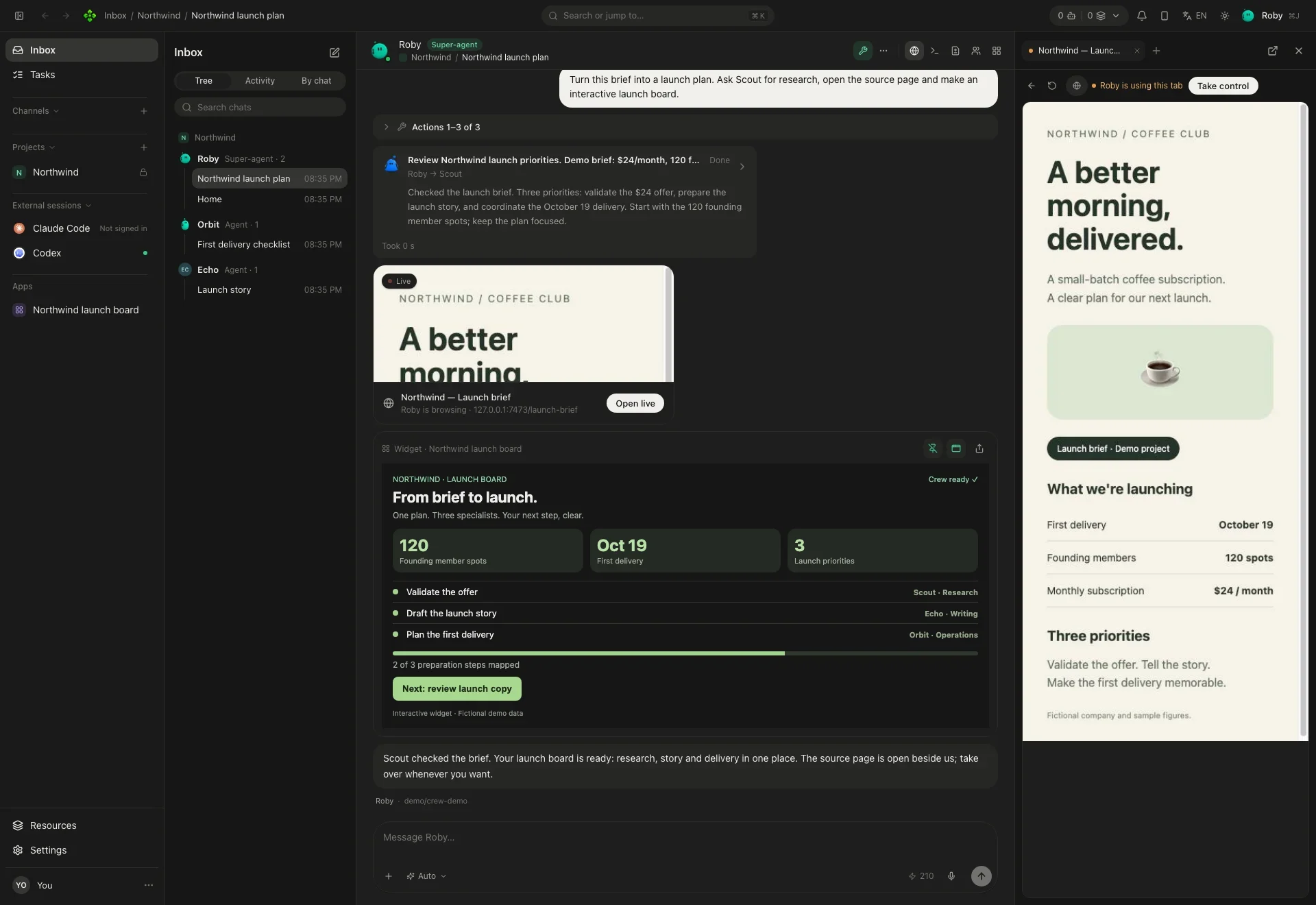
In tabs you can watch. Passwords and payments stay with you.
Your data stays on your machine. The models you connect get only what each request needs.
02New in v2
A crew that works together, a browser they can drive, little apps they build for you, and the chats and phone you already carry.
Home, your secretary, plus an agent per role in each project. They hand work to each other and you watch it as a card in your chat.
Learn more →The desktop app carries a real browser your agents can open, read and click through, in tabs you can watch. Passwords and payments stay with you.
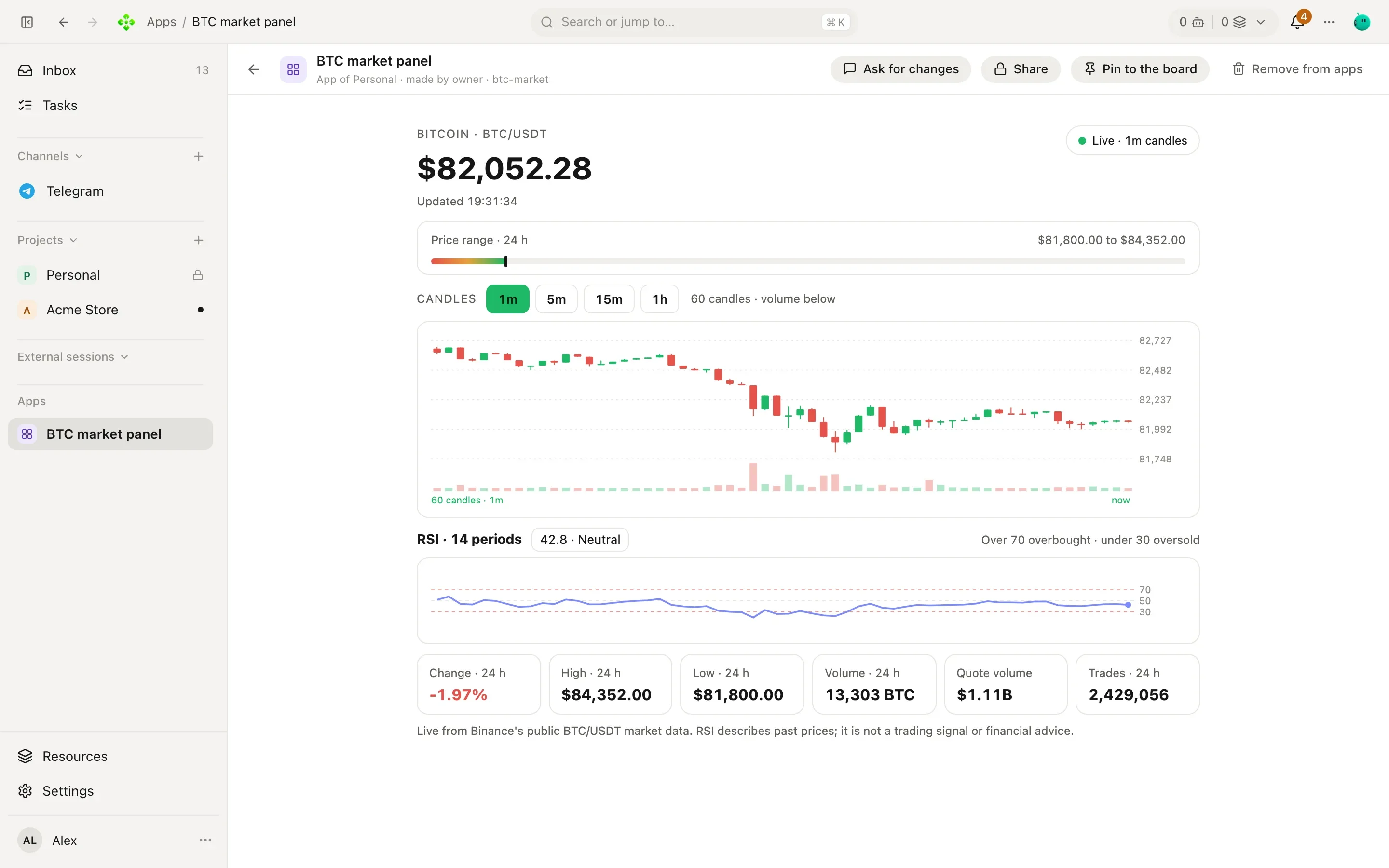
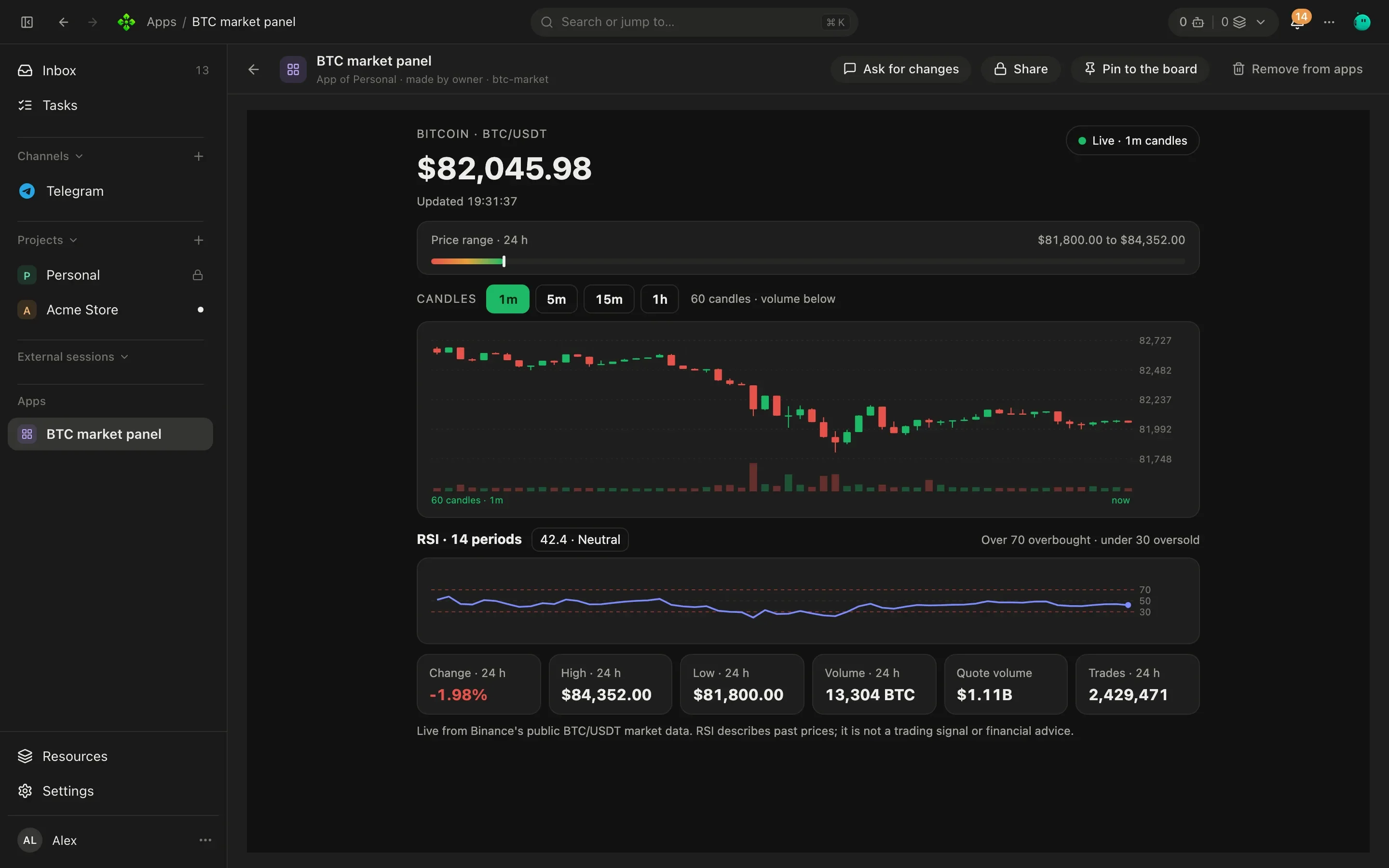
Learn more →Ask for a chart, a checklist or a small tool: an agent builds it, and you pin it to the project's board or open it full screen.
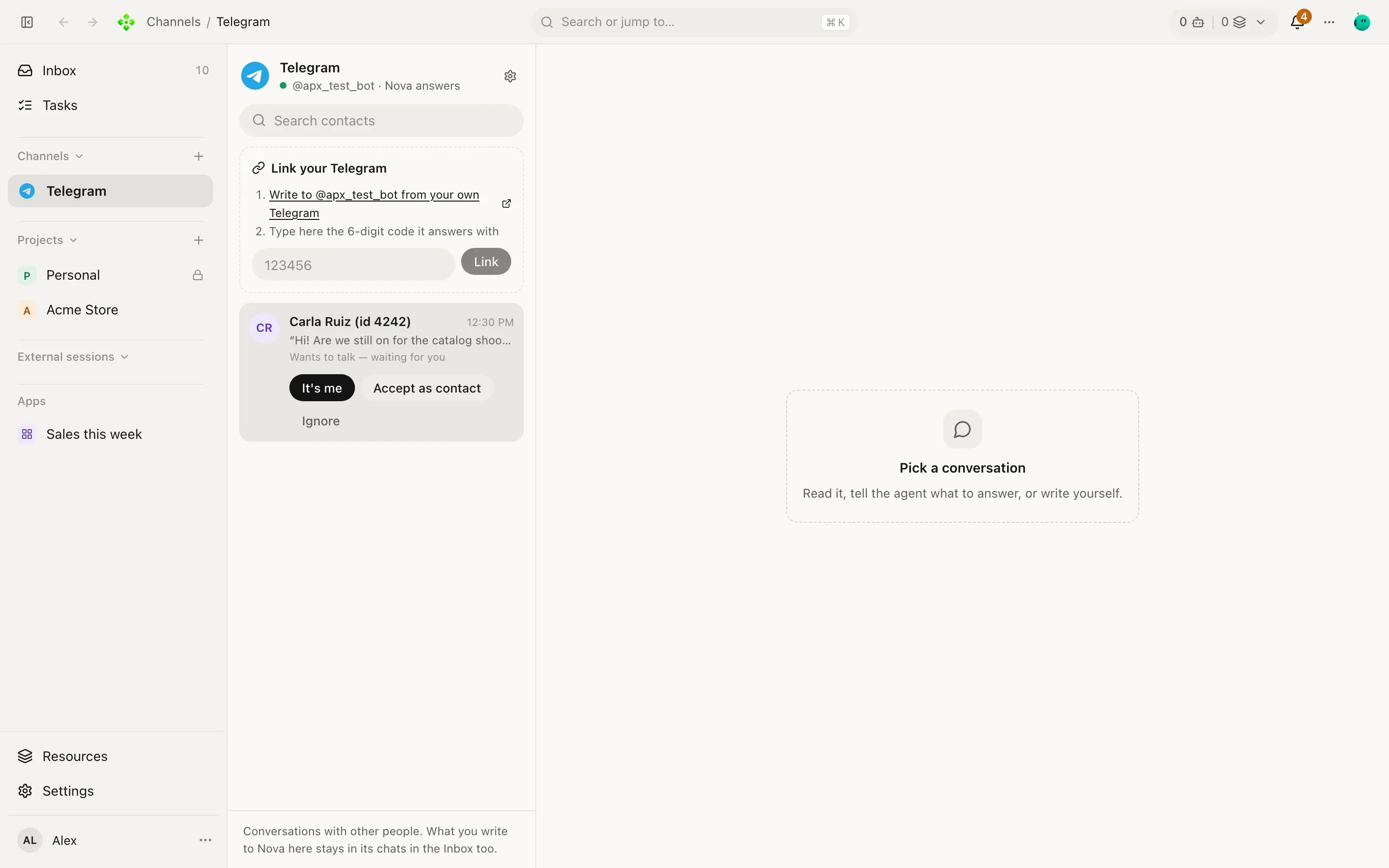
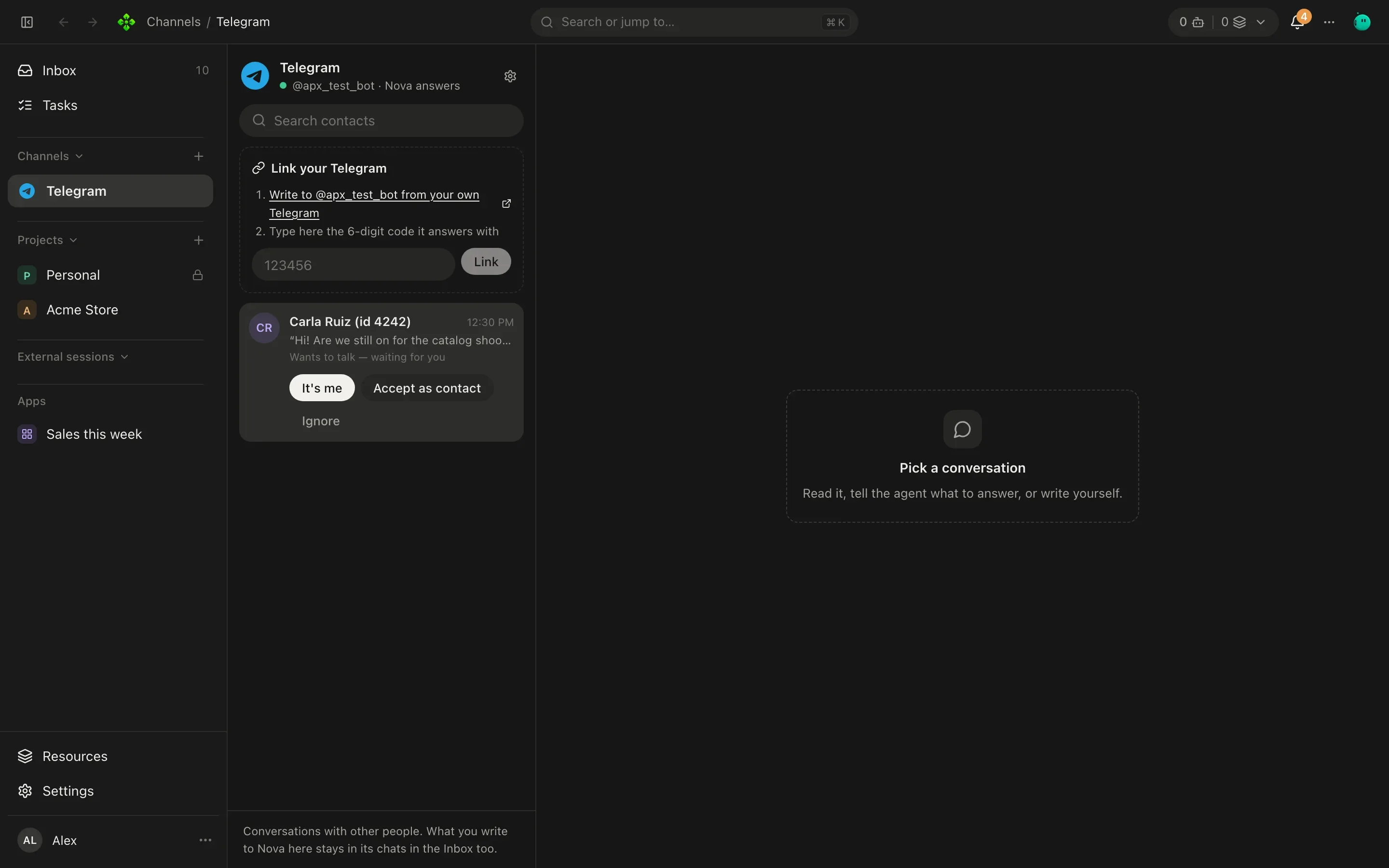
Learn more →Telegram, WhatsApp, Discord, Slack and iMessage. Each contact and each room is one conversation, with the same memory as the app.
Learn more →Pair your phone with a code and talk to Home from anywhere. The Android app is in the releases; it installs beside v1's.
Learn more →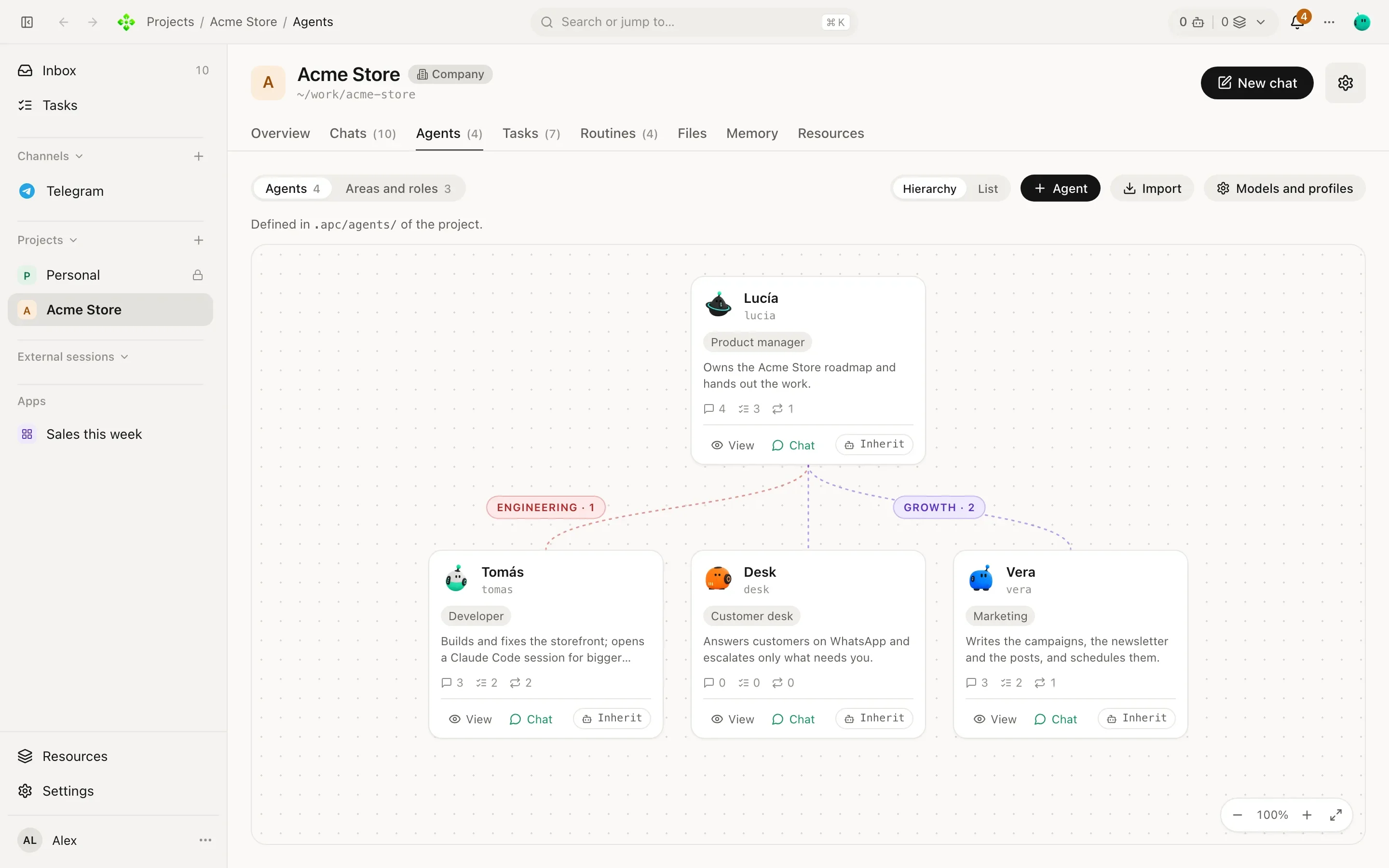
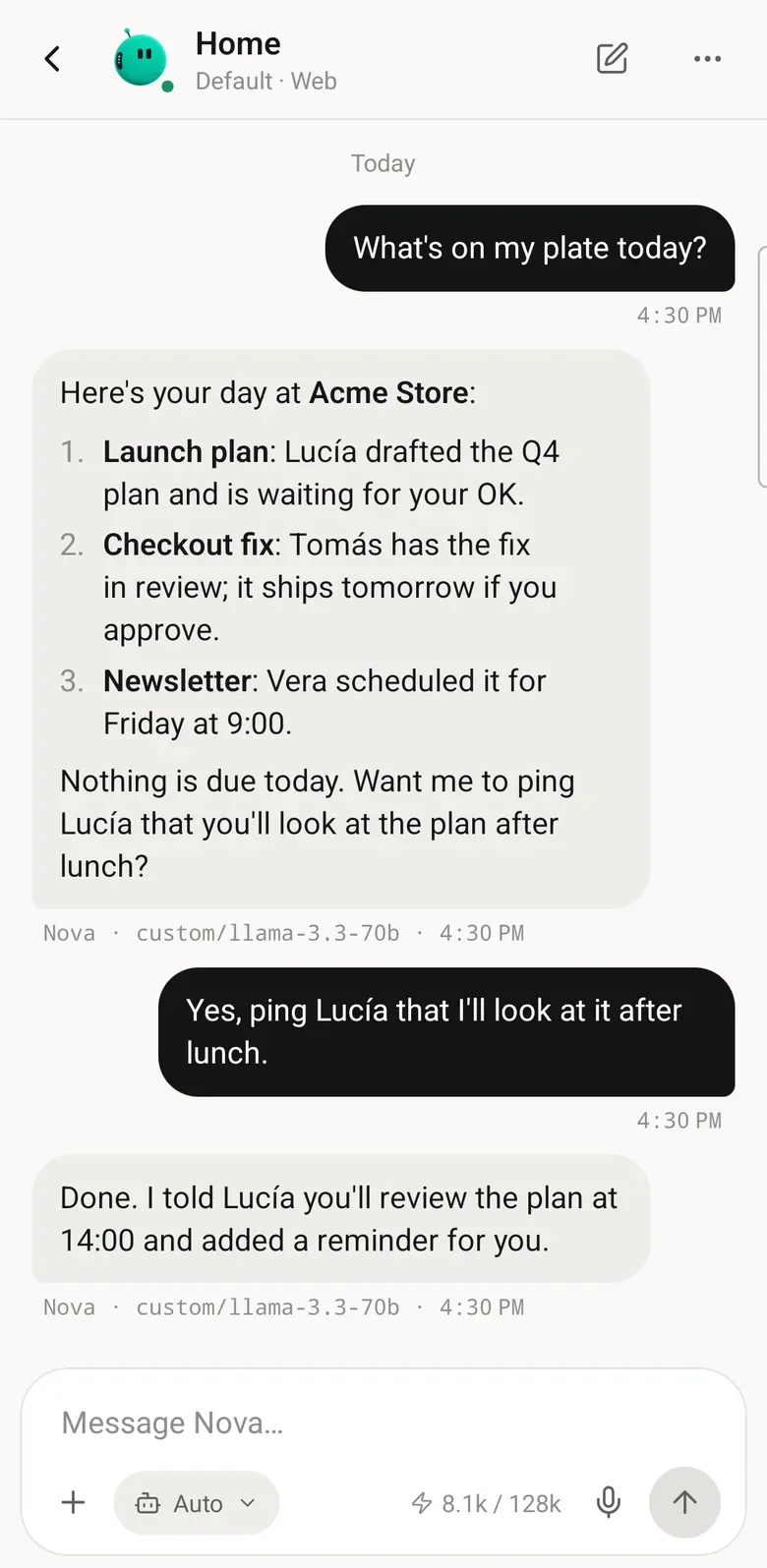
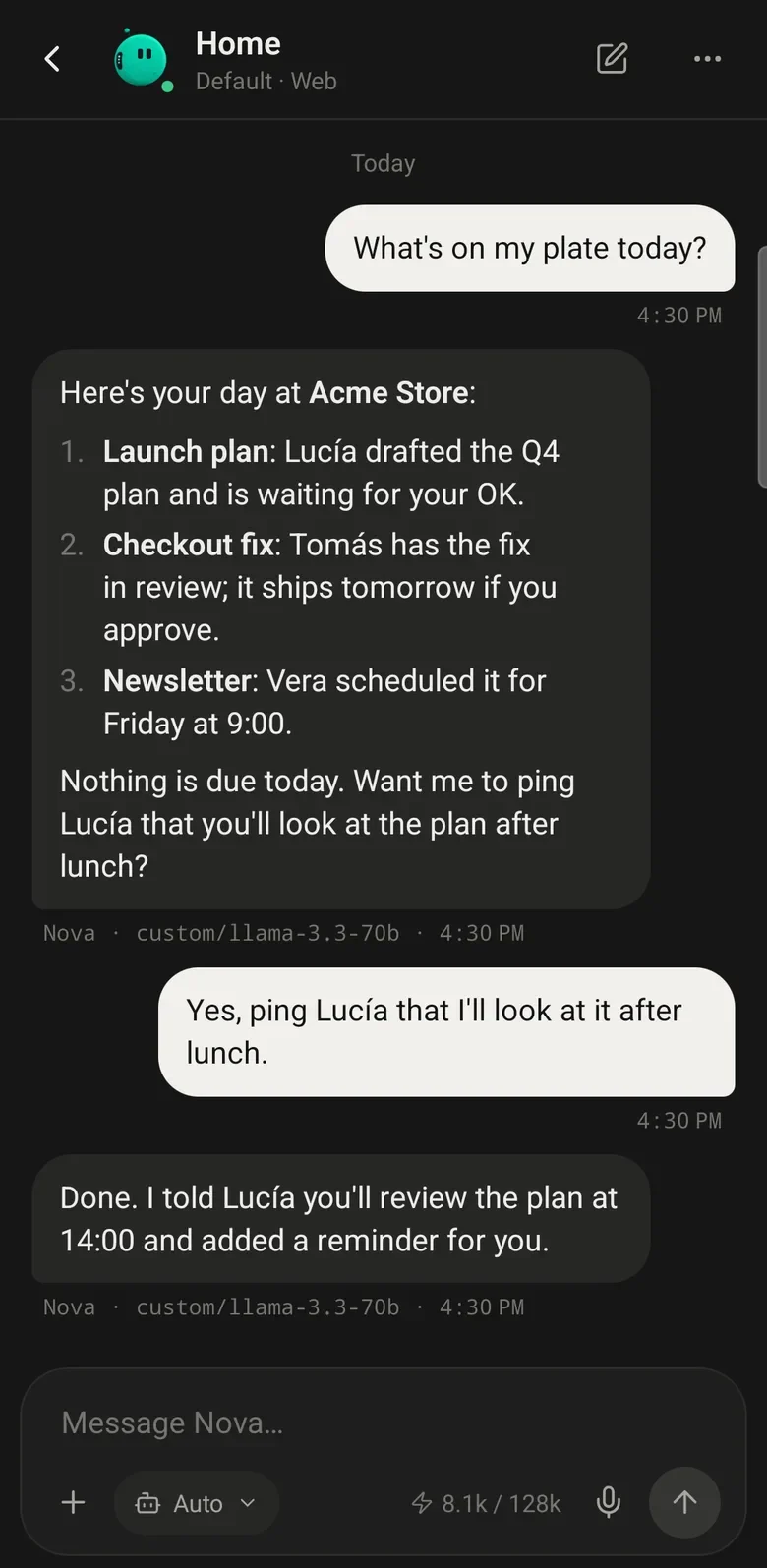
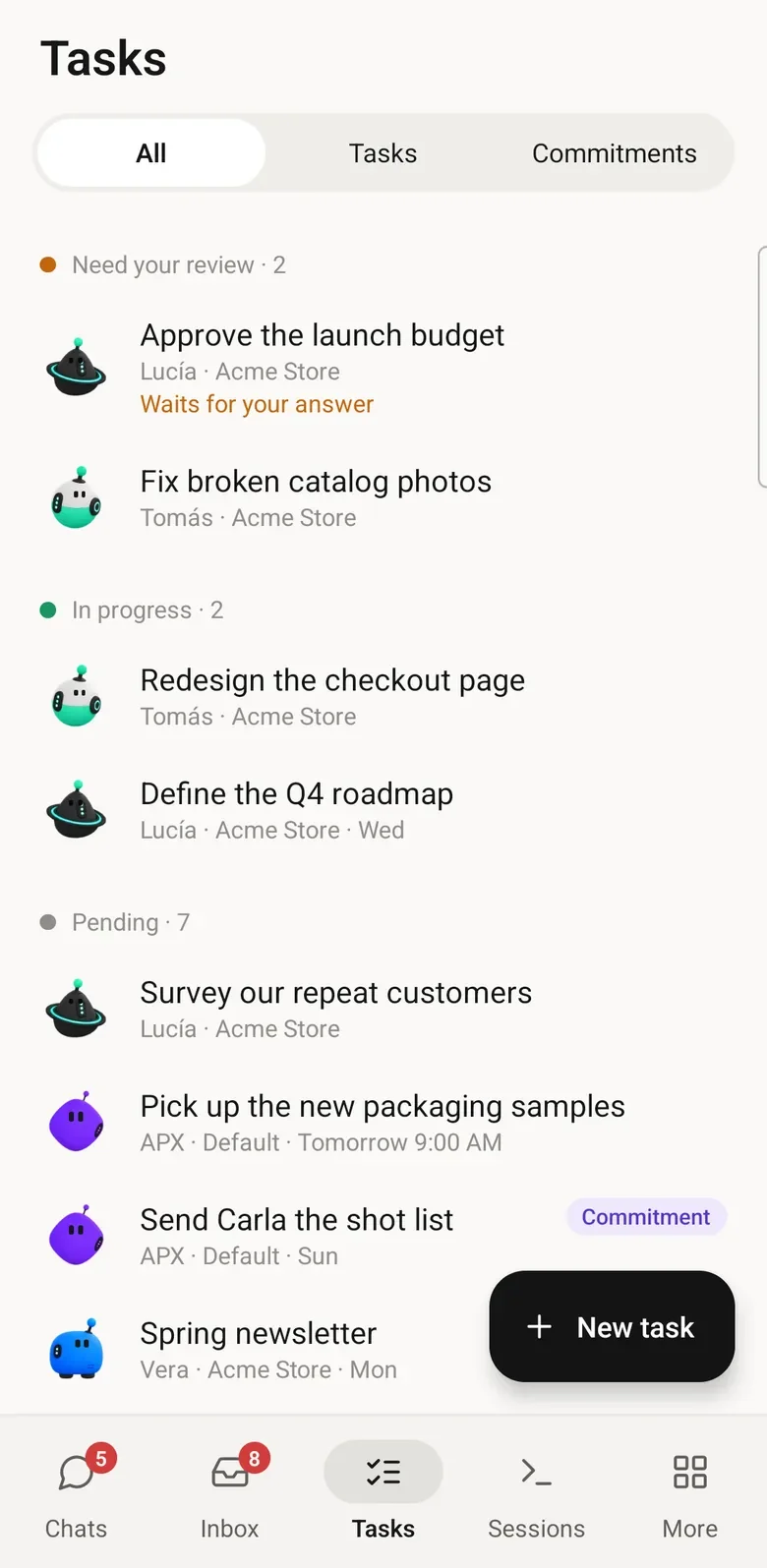
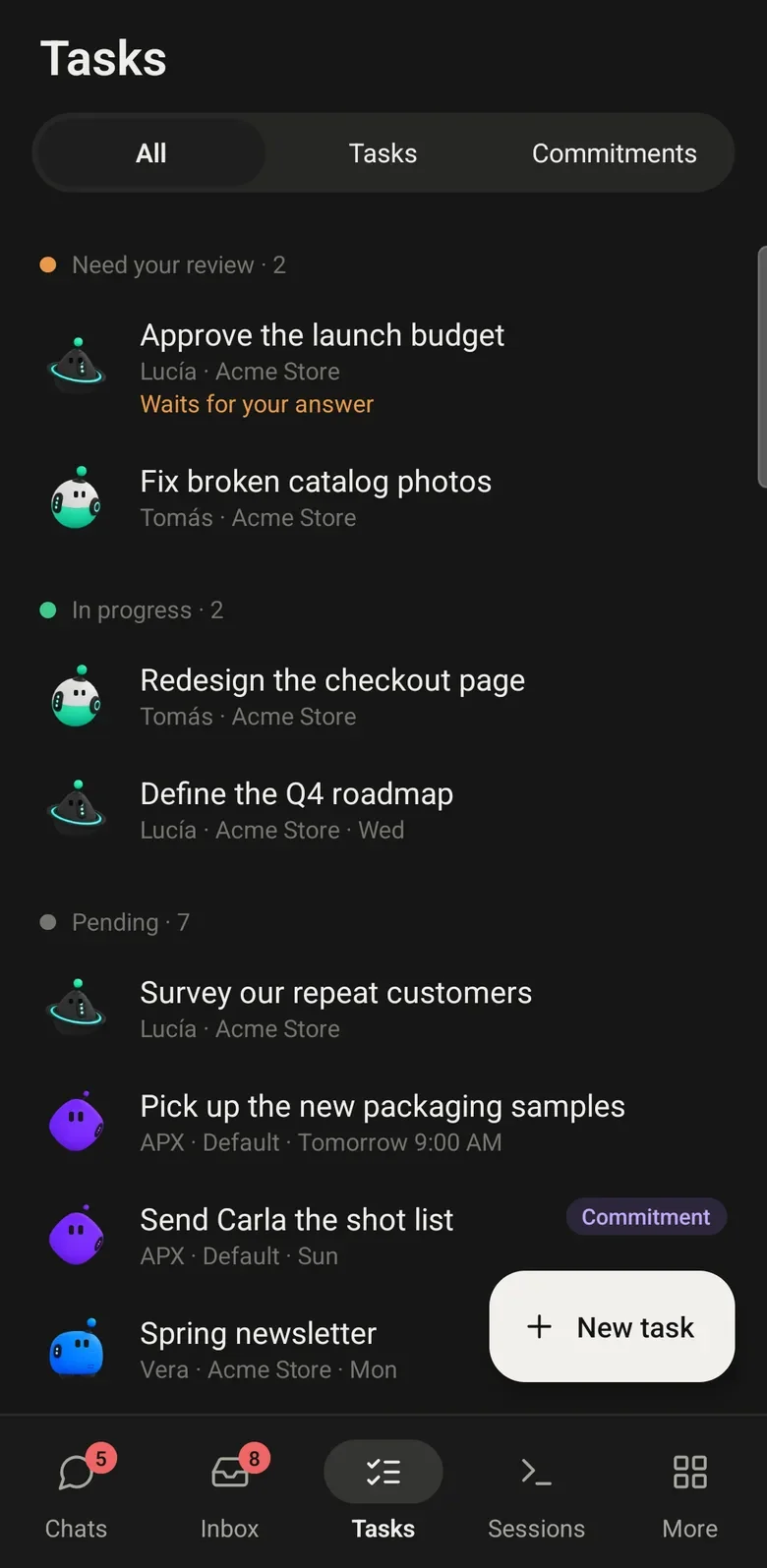
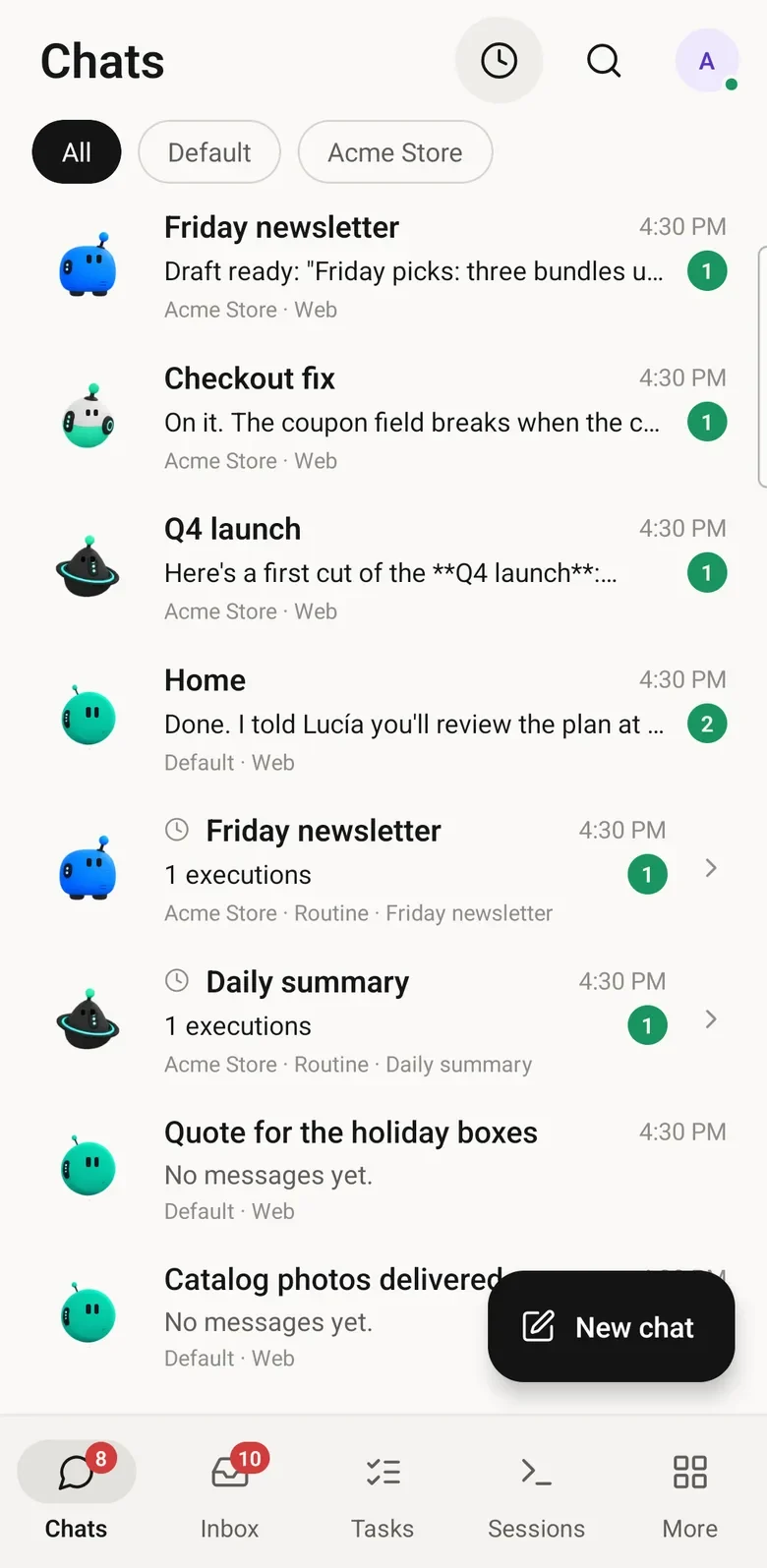
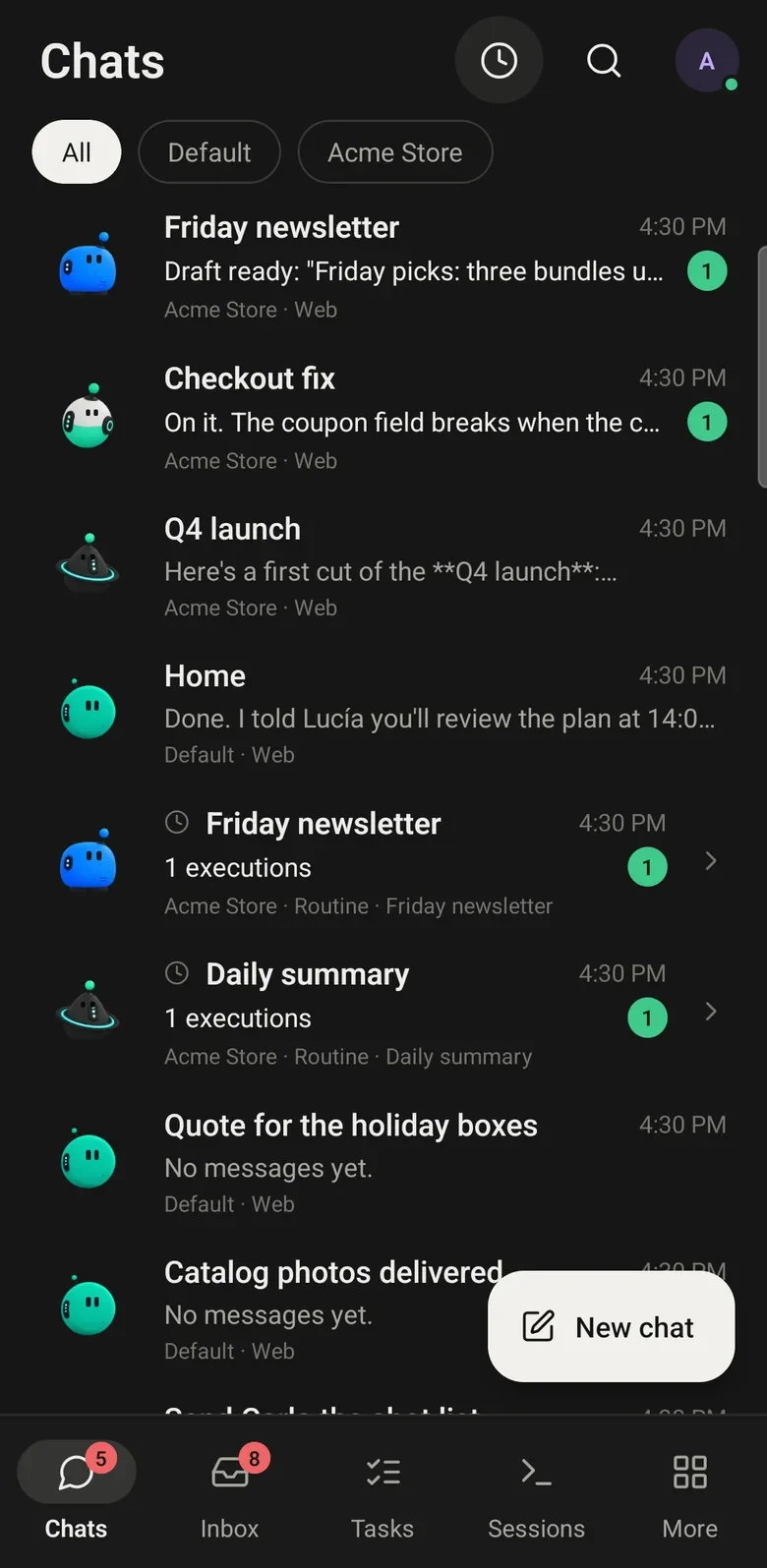
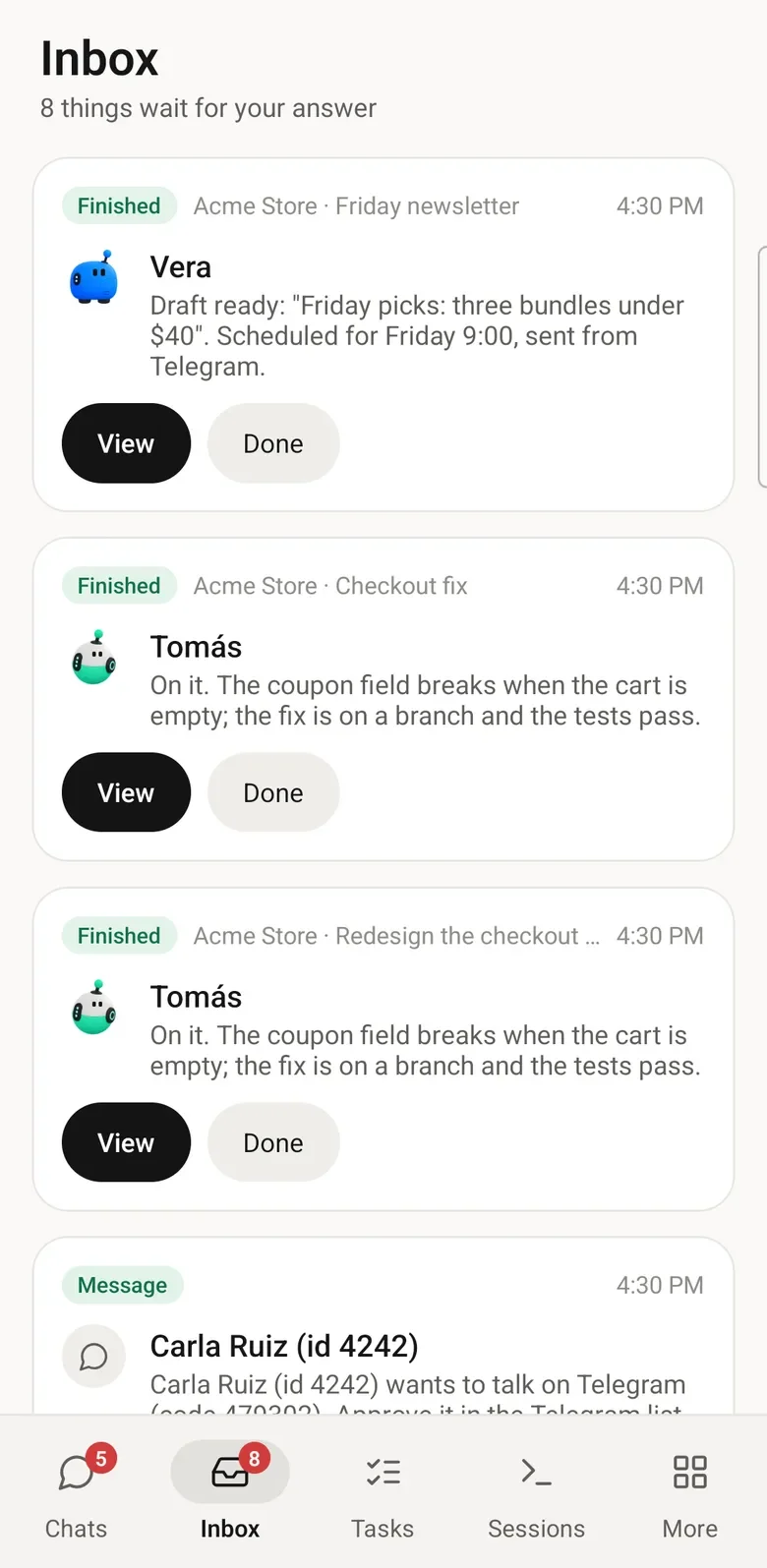
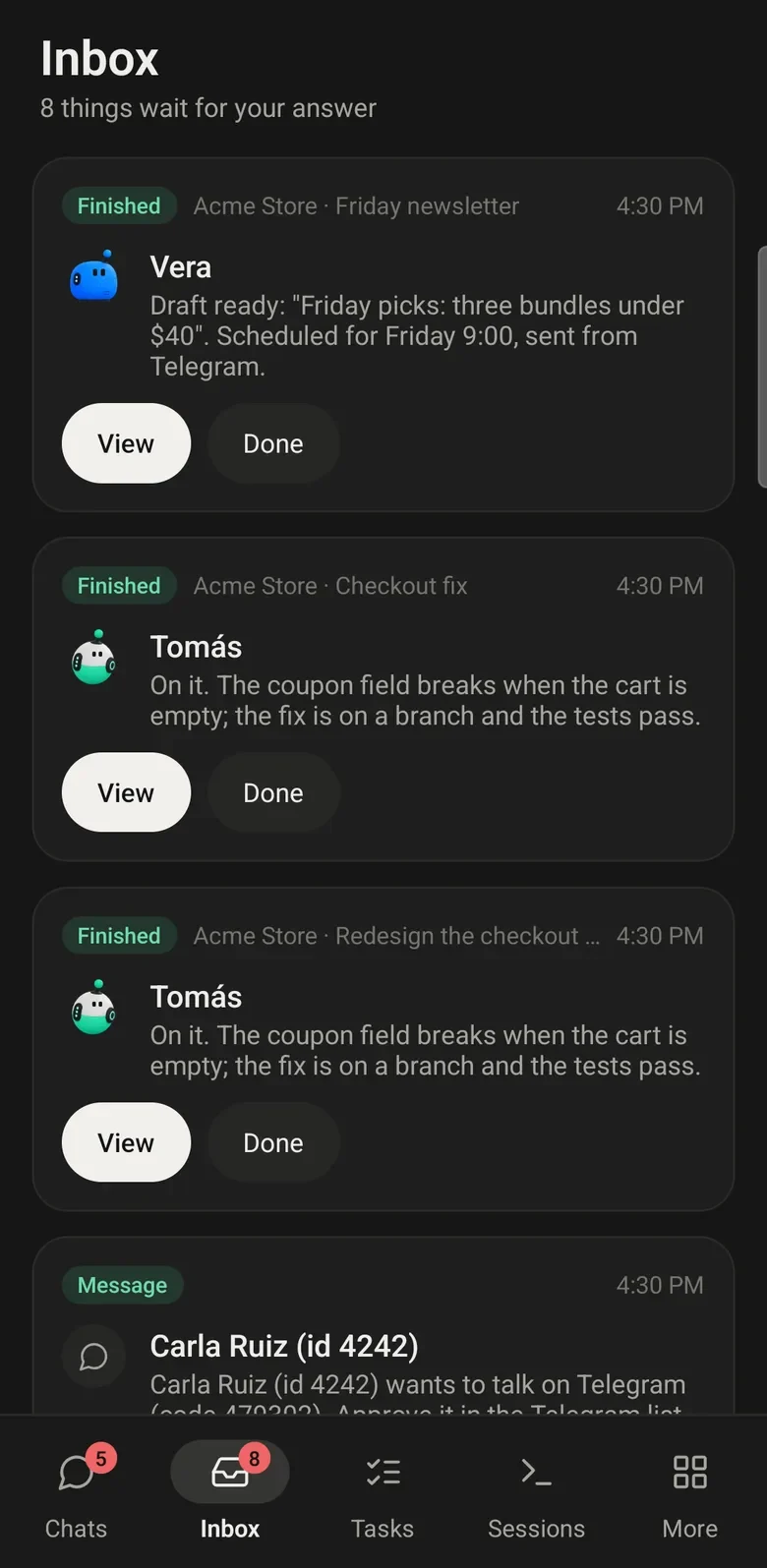
Agents that run on your computer, with your files and your keys. Before they speak for you, they ask.
03Three steps
01
The desktop app on macOS, Windows or Linux, or the core alone on a server.
Install →02
Your secretary. Tell it your name, pick a model and say hi.
First steps →03
Point APX at a folder. Its agents come from AGENTS.md and .apc/.
Projects →04Find your way
Seven sections. Start at the top or jump straight in.
What APX is, how to install it and your first ten minutes.
Agents, projects, conversations, models, autonomy and memory.
Chat, tasks, routines, the secretary, the board and the browser.
Talk to your crew from Telegram, WhatsApp, Discord, Slack and iMessage.
Skills, MCP servers, extensions, integrations and outside clients.
The desktop app, your phone, and a core on a server you reach from anywhere.
Every apx command, every setting, and what to do when something breaks.
A terminal session with four apx commands: $ apx chat "What's on my plate today?" — Home, in Acme Store You have three open things in Acme Store: Lucía drafted the launch plan and is waiting for your OK. Tomás has the checkout fix in review. Vera scheduled the newsletter for Friday at 9. Nothing is due today. · $ apx tasks --project acme-store — Acme Store · open tasks To do Friday newsletter Vera Fri To do Research competitors Scout today Doing Q4 launch plan Lucía 11/15 Review Fix checkout on Safari Tomás · $ apx routines run late-orders — Check late orders · Home 3 orders late since Tuesday Told you on Telegram Next run: tomorrow 9:00 · $ apx status — APX core · running Crew Home and 5 agents in 2 projects Chats Telegram, WhatsApp Devices this computer, 1 phone All systems working
Get to know your crew, then make it your own.
APX is a team of AI agents organized around your projects. Give agents different roles, follow their work in a shared task board and keep conversations and project context together.
Read more ↗The desktop app runs on macOS, Windows and Linux. There is also an Android app, a web panel and a terminal client. You can run APX on your computer or on a server you control.
Read more ↗APX keeps its state on your computer or server. The model providers and connected services you choose receive the information needed for their requests. APX also sends limited install events; optional usage statistics and ways to turn telemetry off are explained in the privacy guide.
Read more ↗APX is open source under the MIT license. Model providers, subscriptions and connected services may have separate costs; running a local model uses your own hardware.
Read more ↗Yes. Connect supported model APIs or a local model through Ollama or LM Studio. Claude Code, Codex and other coding tools are also available as separate external sessions.
Read more ↗You choose the permission mode. It determines which actions agents can take directly and which need your confirmation. Review the modes before giving agents more autonomy.
Read more ↗Different tools, different ways to work. Explore the details and the sources behind each comparison.
06Download
The desktop app brings its own core. On a server or a VM, one line installs the core alone.
Available
Available
Available
Available
No desktop needed. Copy the line for where you are; it installs the core and the apx command.
curl -fsSL https://apxagent.app/install.sh | bash -s -- --serverOn a server or a VPS
curl -fsSL https://apxagent.app/install.sh | bashOn this computer, macOS or Linux
irm https://apxagent.app/install.ps1 | iexOn Windows, in PowerShell
Setting up a server?
The server guide shows how to keep it running, reach it over Tailscale or your network, and pair the app and your phone with it.
Read the server guide →Your system warns you the first time. That is expected; here is how to go on.
xattr -dr com.apple.quarantine /Applications/APX.appchmod +x APX-*.AppImageThese are the blobos: 35 faces to give your agents.
One machine. One context. Your whole crew.
Free and open source. Your data stays on your machine.