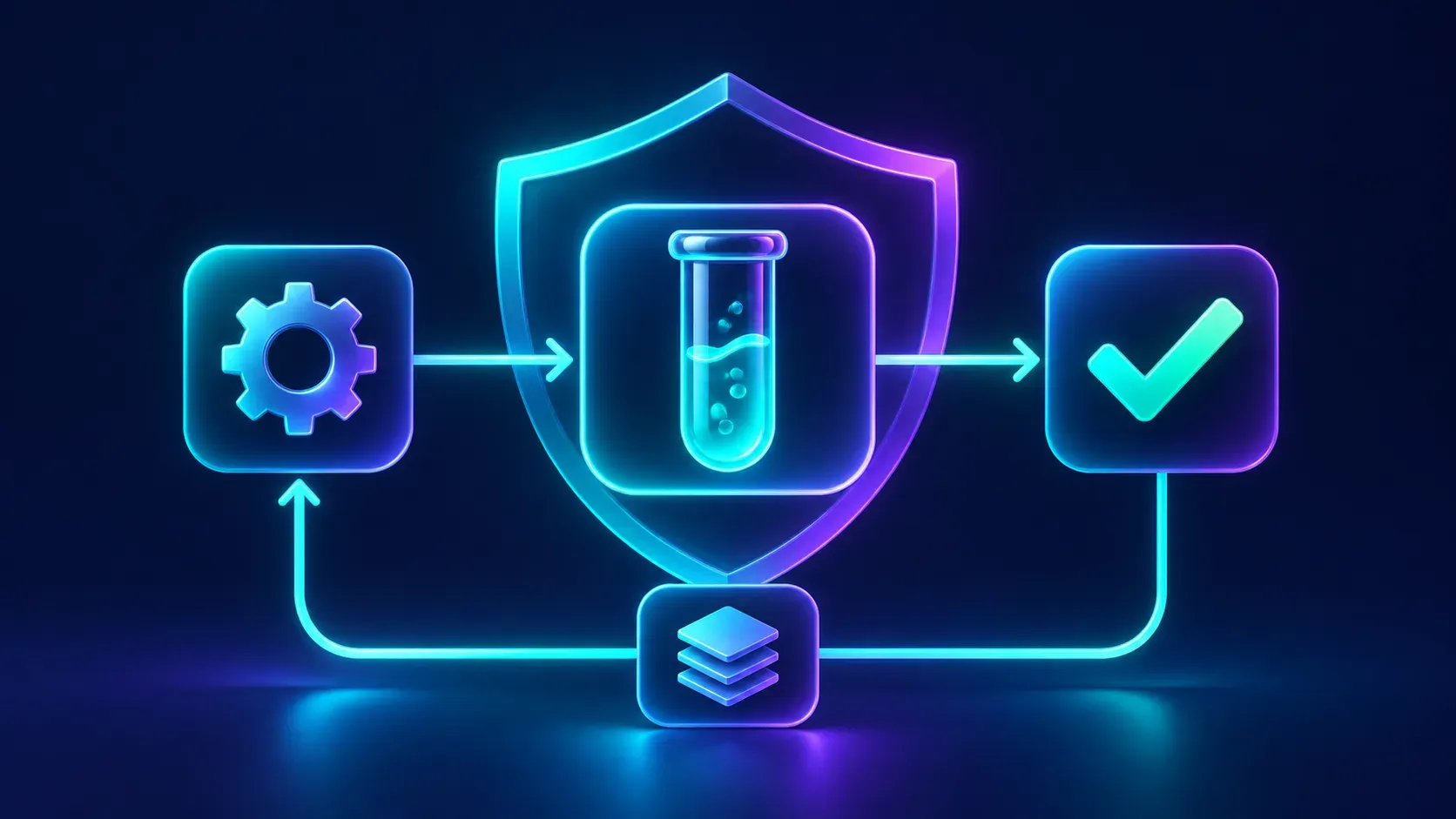
A workflow diagram can look complete even when the wrong recipient, field or condition is selected. Before trusting it with customers or production records, test the path with an example you control. A “test” label is not a promise that no real action will run.
Define a safe result
Write down the event, expected branch and final output. Use fictional contact details and a destination you control. If a step can send a message, call an external service or modify data, disable or replace it with a harmless target for the first trial. Ask the service owner how its own test environment behaves.
Test the steps, not just the diagram
The APX routines and flows guide describes listening for a test event and inspecting each step’s input and output. It explicitly says a test run executes the flow as drawn: messages, calls and commands can happen for real. A scheduled flow can also be tested immediately. Review the approval and destination before starting either test.
Send a representative event. Follow the conditions, confirm the selected branch and compare the final result with your expectation. Then try a missing field or another safe exception. The run history is evidence of what was recorded, not proof that a recipient read a message or that a third-party system stored it correctly.
Plan for uncertainty
If an outgoing call times out, inspect the destination before retrying: the action may have succeeded even if the response did not arrive. Record which external system owns the final result. Only enable the real workflow after checking permissions, secrets, error handling and who will notice a failed run.
Repeat the trial whenever a recipient, condition or external service changes. A successful sample improves confidence; it does not cover every possible input.
Sources
More articles

How to let an AI agent work on a site without sharing your password
A practical guide to browser handoffs, sessions and safer sign-in for AI agents.

Can an AI agent work from WhatsApp or Telegram? What to check first
Plan a chat-based agent workflow around identity, approval, delivery and privacy before connecting a messaging app.

Why an AI agent cannot use a connected tool: an MCP checklist
Troubleshoot an MCP connection in stages: scope, approval, sign-in, tool discovery and a safe test.