
MCP servers
MCP (Model Context Protocol) servers add tools: a GitHub server lets agents read issues, a database server lets them query, and so on. APX runs the servers your agents use and keeps each tool behind your permissions.
Global and project servers
Section titled “Global and project servers”- Global servers are yours. Every project inherits them; a project can turn one off for itself, or stop using
the global ones altogether. Their environment and headers may use your variables
as
secret://NAME. - Project servers are declared in the project’s
.apc/mcps.json, committed with the repository:
{ "mcpServers": { "docs": { "command": "npx", "args": ["-y", "@acme/docs-mcp"] }, "status": { "url": "https://mcp.example.com/status" } }}A repository can name any command, so a project server starts only after you approve that exact definition. If
the file changes, it needs approving again. .apc/mcps.json never holds tokens: a definition that mentions
secret:// is ignored there.
Add, approve, remove
Section titled “Add, approve, remove”In Resources › MCP, + MCP opens New MCP server: a name, How it connects (Command or URL), and its Environment or Headers, where a value can be one of your variables. A project’s server shows Approve until you approve it; read the command first. Test starts it and lists its tools.
apx mcps # every server: status, tool count, error or targetapx mcps list acme-store # as one project sees themapx mcps add github -- npx -y @modelcontextprotocol/server-githubapx mcps add status https://mcp.example.com/statusapx mcps trust acme-store docs # approve a project's server as its file defines it nowapx mcps untrust acme-store docsapx mcps rm githubPut -- before a command whose arguments start with - (like npx -y), so apx doesn’t read them as its own
options. Environment and headers are edited in the panel.
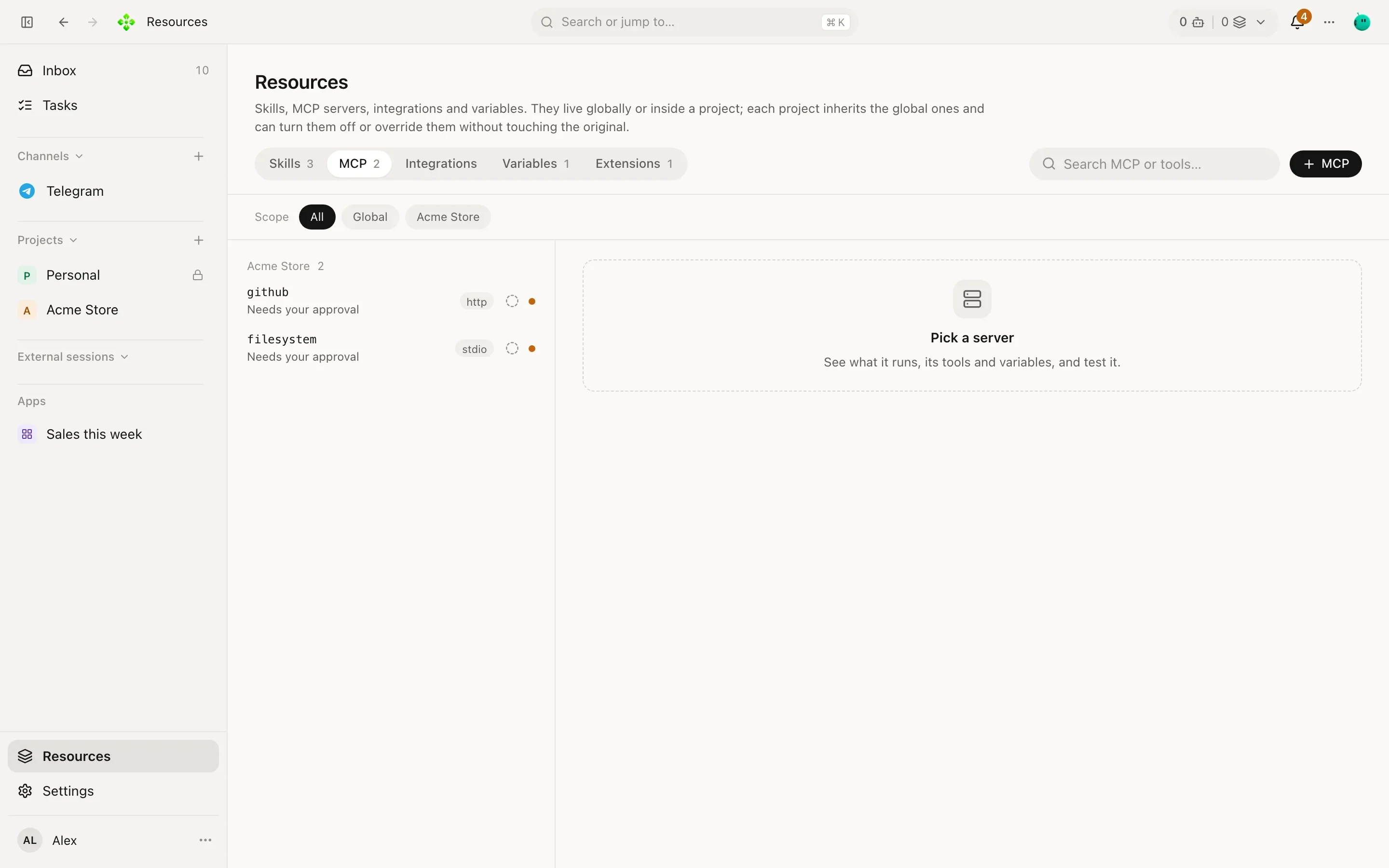
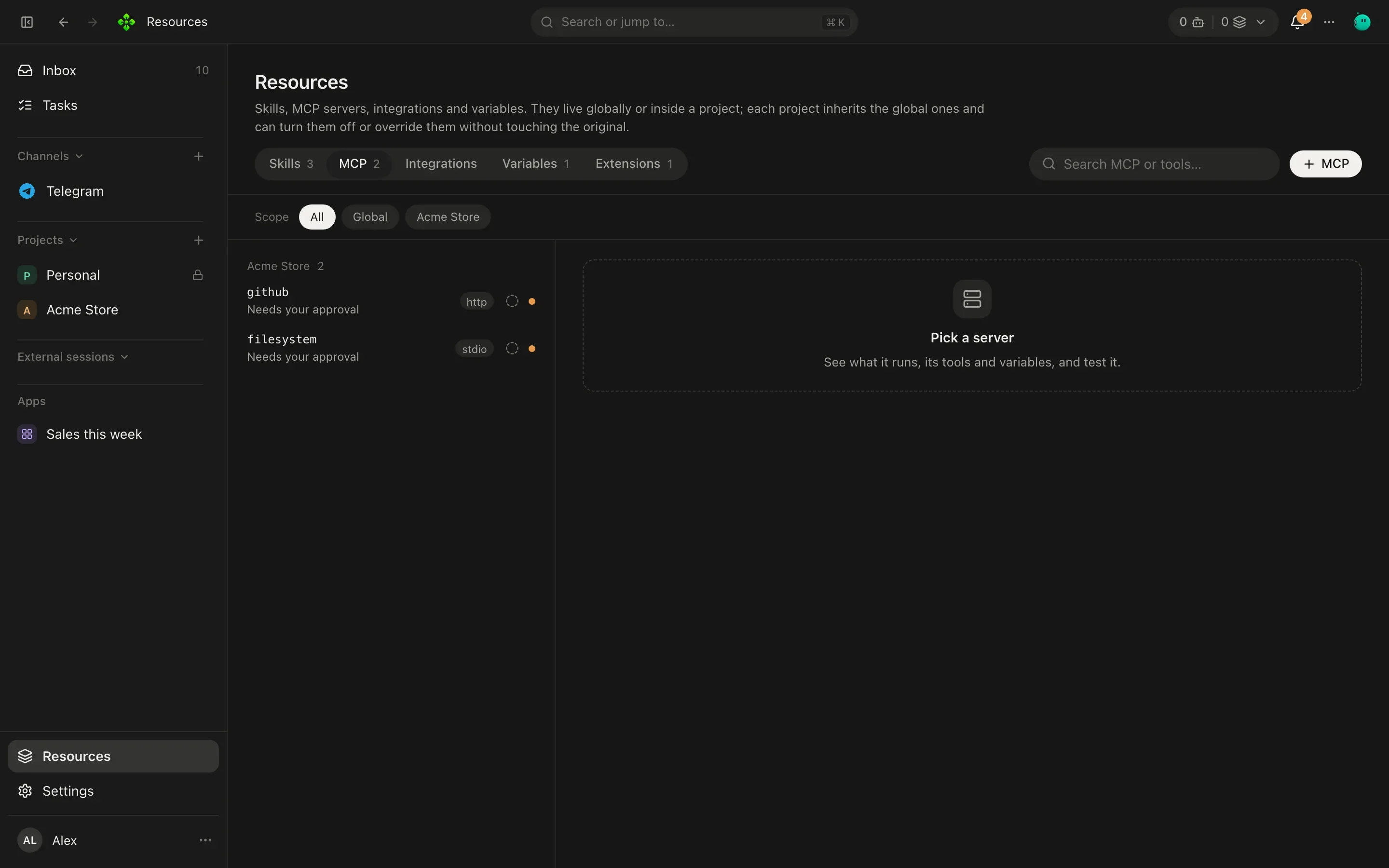
Servers don’t run all the time: a server is Ready and starts only when an agent first uses it.
A server that signs in through your browser (one run with mcp-remote, for example) opens its sign-in page the
first time it starts. If you don’t finish, it shows Needs you to sign in and APX doesn’t start it again by
itself, so your browser doesn’t keep opening. Click Sign in on the server (or run apx mcp signin <server>) when
you are ready, and finish on the page it opens.
Try a server from the terminal
Section titled “Try a server from the terminal”apx mcp tools, run and check talk to a server directly, which is handy when something doesn’t work:
❯ apx mcp check github
github: OK · 812 ms · 26 tools
apx mcp tools github # every tool with its schema and a ready-made run commandapx mcp tools github search_issues # just oneapx mcp run github search_issues '{"q":"repo:acme/store is:open label:bug"}'echo '{"q":"is:open"}' | apx mcp run github search_issues -Add --project <id> for a project’s server, and --scope global|project when a name exists in both.
Tool permissions
Section titled “Tool permissions”Each server has Tool permissions:
- Ask first: each agent asks you before using a tool that changes something.
- All allowed: no agent asks for these tools. If the server or a tool changes, they ask again.
- Some: click a tool to allow it (green) or to make it ask again.
On top of that, an agent’s own autonomy and its tools: list still apply, and anything you approved “always” for one
agent or chat shows under Allowed for one agent or chat. See Autonomy.
Why agents see only two MCP tools
Section titled “Why agents see only two MCP tools”Sending every MCP tool to the model on every call gets expensive fast. On a real install, ten ordinary servers brought 319 tools: a one-line answer cost 64,432 tokens of prompt.
So agents don’t get those tools directly. While any server is on and approved, they get two:
mcp_searchfinds tools by words or by server, with their descriptions and arguments.mcp_callruns one by its exact name.
The same one-line answer then costs 11,838 tokens, and the list of tools stays the same from call to call, which keeps the model provider’s prompt cache warm. Approvals, confirmations and the tool cards in the chat work exactly as if the agent had called the tool directly.
Files and images in MCP tools
Section titled “Files and images in MCP tools”An agent can hand one of its files to an MCP tool: an image it drew, something you attached in the chat, or a file in
the folders it works in. In the tool’s arguments it writes the file’s media id (med_…) or apx-file:<path>, and
APX sends the file the way that field takes it:
- To a server that runs elsewhere (an
http(s)URL), the field gets the file’s contents in base64, within what the field says it accepts (“images under 8 MB”) and never more than 20 MB. The file’s type and name fill the tool’smime_typeandfile_namefields when it has them and the agent left them empty. - To a server that runs on this computer (a command), a path field gets a real path. A drawing or an attachment is first copied into the chat’s temp folder, so the server never reads APX’s own folder.
- A field that only takes a public link, or a path a remote server would read on its own disk, is refused with the
field to use instead. APX does not publish your files to get a link: for a large video, the service needs its own
way to receive it (an upload link it hands out, then
curlfrom the agent’s temp folder).
The step keeps the reference, never the file’s contents. Sending a file out waits for your OK while the turn has outside content in it, even through a tool that says it only reads.
An agent can also copy a drawing or an attachment into a file of its own (file_write with media), for its shell,
its skills or another tool.