
Skills
A skill is know-how in a file: the steps, rules and examples for one kind of task. Agents see each skill’s name and one-line description, and load the whole text only when a task needs it, so a hundred skills cost almost nothing until they’re used.
What a skill looks like
Section titled “What a skill looks like”A skill is a folder with a SKILL.md. The frontmatter has a name and a description; the body is the know-how.
---name: weekly-reportdescription: Writes the Friday status report from this week's closed tasks. Use when asked for the weekly report.---# Weekly report
1. List the tasks closed since Monday with `task_list`.2. Group them by project, one line each, newest first.3. End with what is still blocked and who it waits on.
The description matters most: it’s what agents read to decide whether to load the skill. Say when to use it, not
only what it is. Names use letters, digits, dots, - and _.
Global and project skills
Section titled “Global and project skills”Directory~/.apx/v2/skills/ global: every project inherits them
Directoryweekly-report/
- SKILL.md
Directory~/work/acme-store/.apc/skills/ this project only
Directoryrelease-notes/
- SKILL.md
- Global skills live in APX’s home (
~/.apx/v2/skills/). Every project inherits them; a project can turn one off for itself, or stop using the global ones altogether. - Project skills live in the project’s
.apc/skills/, travel with the repository, and only its agents see them. - Skills can also come from an extension.
- Other agent apps’ skills are there too, read where those apps keep them:
~/.claude/skills,~/.codex/skills,~/.cursor/skillsand~/.agents/skills(globals), and.claude/skills,.codex/skills… inside a project. Each shows its app’s tag (Claude, Codex, Cursor, Agents) and is read-only in APX: change it in its app, or Copy to APX. - One name in two places is one skill: a project’s own wins, then APX’s, then the other apps’, then extensions’. The others are marked Duplicate and listed under Also in, saying whether each one is the same file or differs.
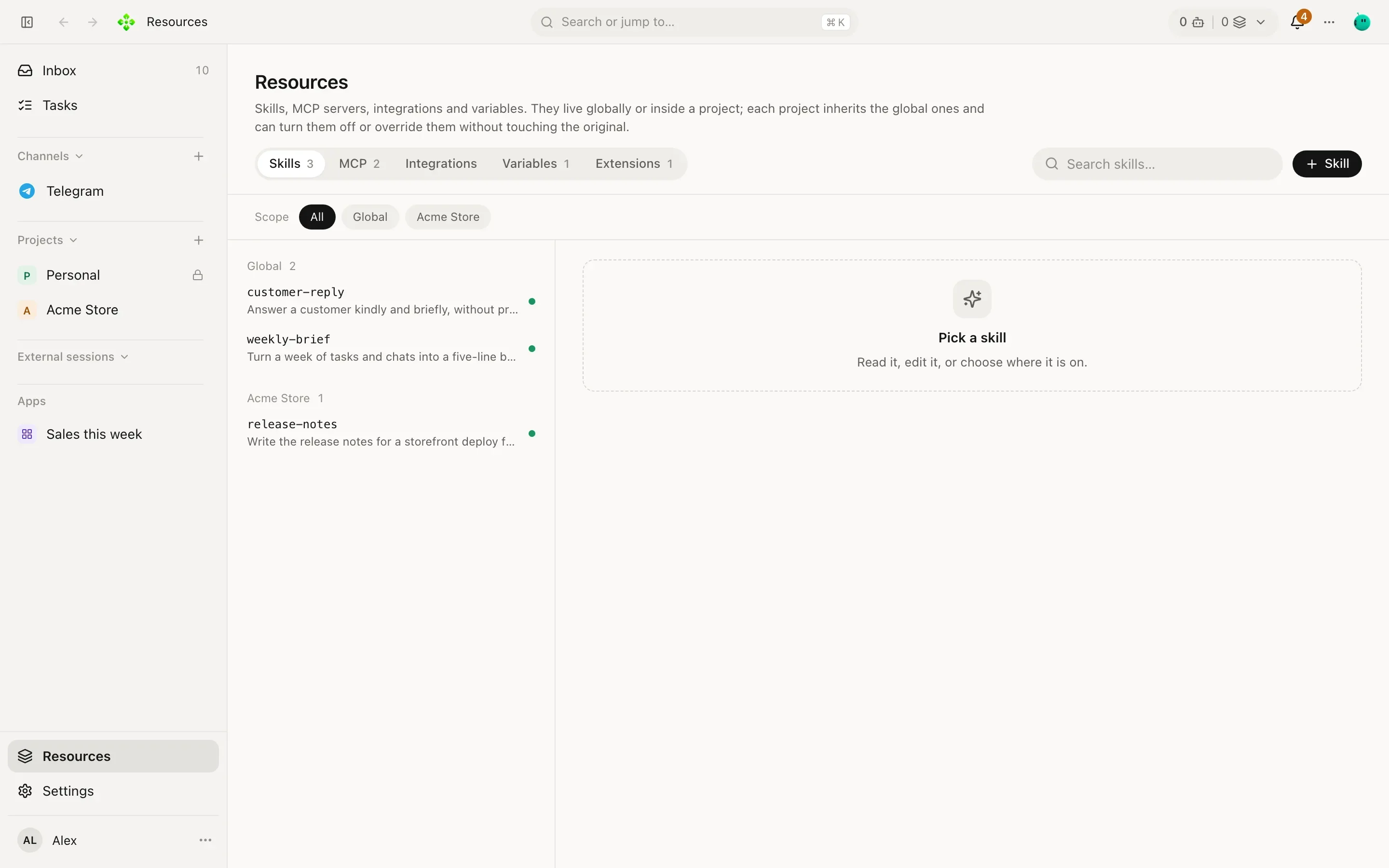
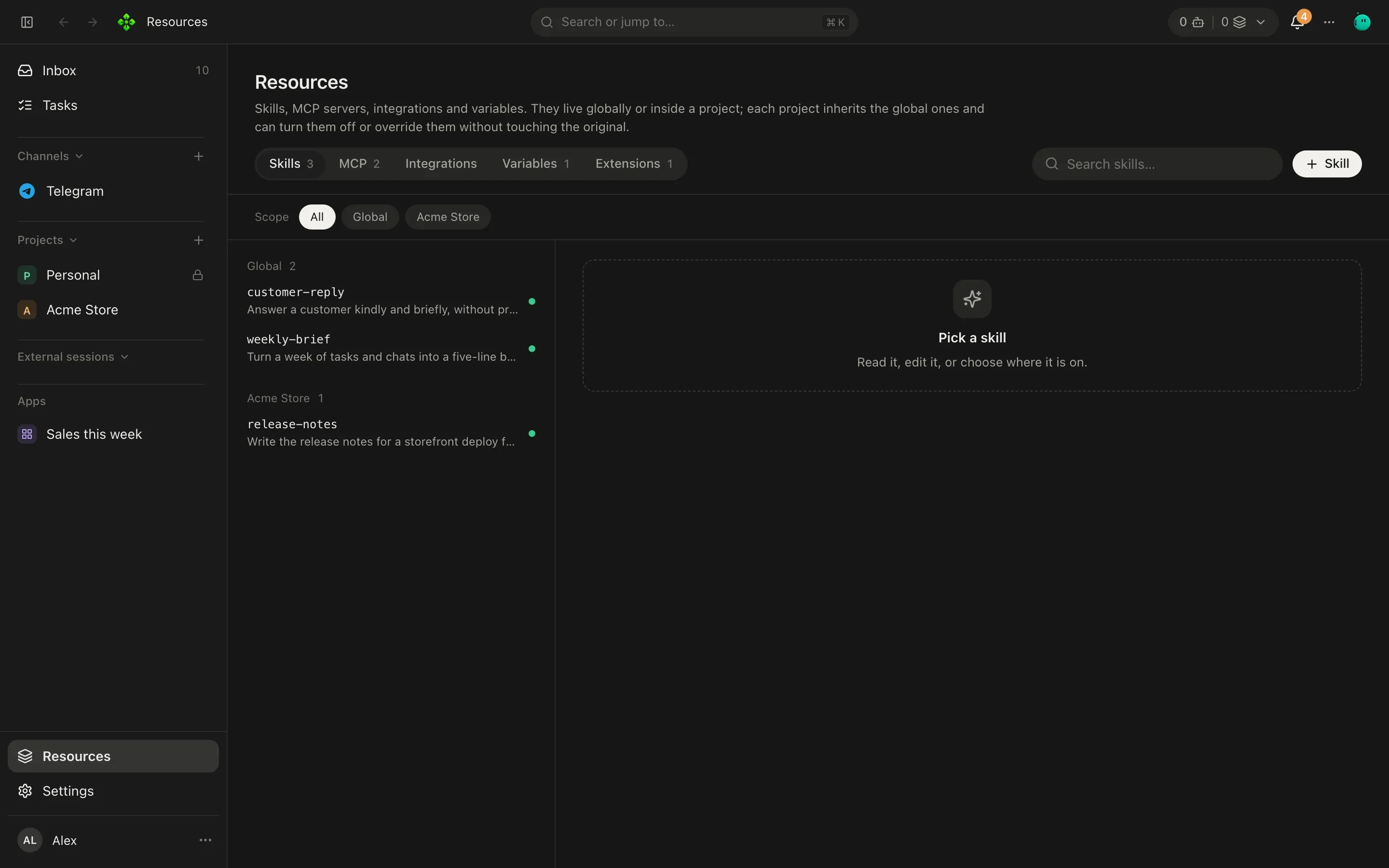
Manage them in Resources › Skills: read, edit, create (+ Skill), and turn each one on or off globally or per project. When you edit a global skill from inside a project, APX asks whether to change the original or give that project its own copy. Above the list, show a project’s skills only (All / Project) and filter by engine (APX, Claude, Codex, Cursor, Agents; pick several).
Import skills
Section titled “Import skills”+ Skill › Import brings skills from a folder, a .zip or a git repository (https or ssh; a GitHub link to a folder
takes only that folder). APX reads it first and runs nothing: you see each skill found, its files, the scripts it
brings, settings only another app reads (like allowed-tools), and what was left out (links, oversized files). Tick
the ones to copy; a name already taken is kept unless you choose to replace it. Inside a project they go to its
.apc/skills/.
How agents pick them
Section titled “How agents pick them”Every agent gets a short catalog of the skills it can use. With an embedding engine set up (Settings › Memory ›
Pick skills by meaning), each message you send is also compared with your skills by meaning, and up to three that
fit are suggested to the agent for that turn. The agent judges them and loads the ones it needs with load_skill.
You see the pick as chips over the answer: loaded, suggested, or considered.
To load one yourself, name it in the composer: type / and pick it, or write /weekly-report. Its whole text goes
into that turn, with or without an embedding engine. /skills opens the skills list.
From the terminal
Section titled “From the terminal”❯ apx skills weekly-report global Writes the Friday status report from this week's closed tasks. Use when asked for the week daily-brief global Writes a short morning brief from the owner's open tasks and commitments.
apx skills <project> lists them as one project sees them.
apx skills import https://github.com/acme/skills # list what is there; nothing is copiedapx skills import https://github.com/acme/skills --only pdf --yesapx skills import ./pack.zip --project <project> --yes # into that project's .apc/skills/apx skills import ~/.claude/skills/pdf --yes # copy another app's skill into APXTeach other agent apps to use APX
Section titled “Teach other agent apps to use APX”APX ships a few skills for other agent apps, so Claude Code, Codex, Cursor and anything that reads ~/.agents
know how to use APX (apx, apx-mcp, apx-extensions, apc-context). The core copies them into each app’s skills
folder at every start, only for the apps you have installed. To refresh them now, or see what would change:
apx skills install-runtimes --dry-runapx skills install-runtimesIt only touches skills APX ships (and removes ones it no longer ships), never anyone else’s. See Outside clients to connect those apps to your agents.